Animate a picture into a video
Image to video takes a picture you already have and, guided by your prompt, makes it move as a short clip.
Examples
Source
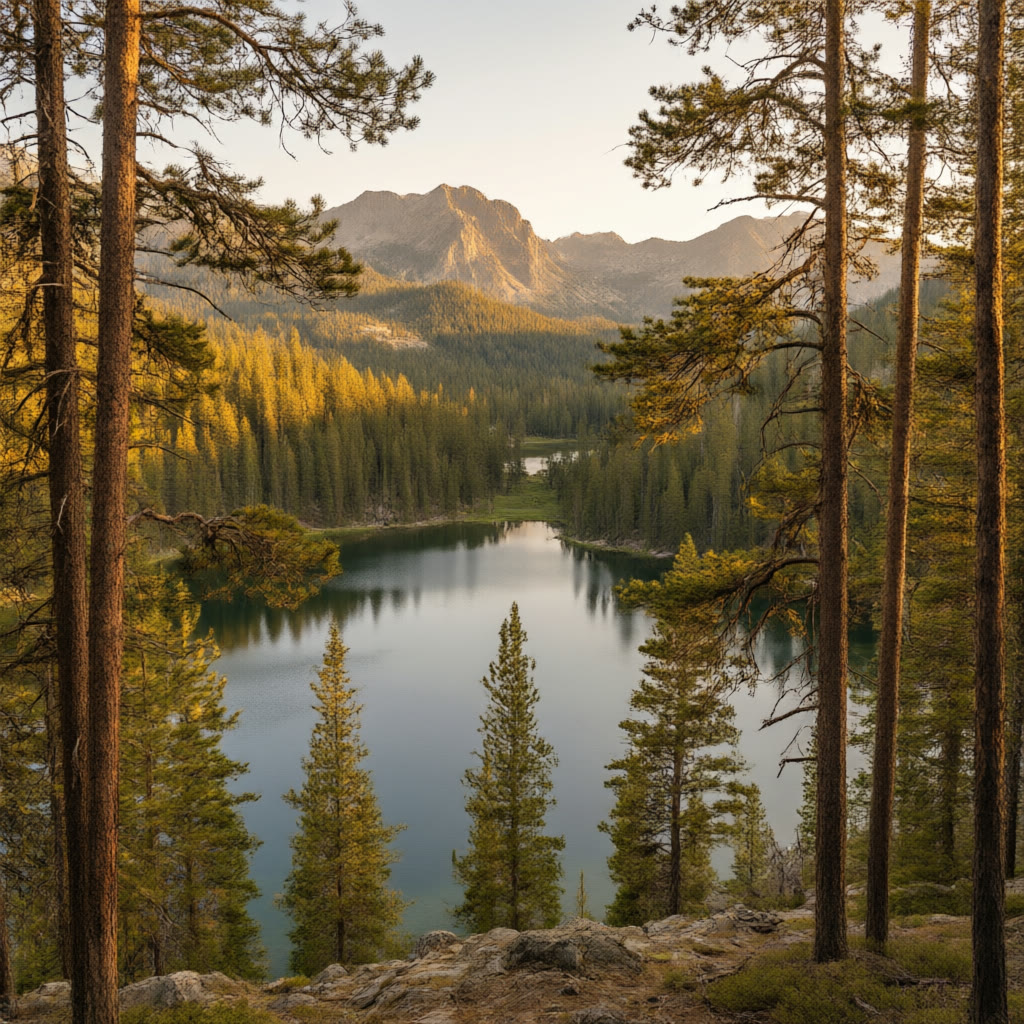
Result
How does it work?
- Upload a picture, or pick one from your workspace assets.
- Describe the motion you want and choose a model, length and resolution.
- Generate and review the clip, then download it or use it in a project.
What this tool uses
- HappyHorse 1.1 · image to video
- from 12 credits per second, by resolution
- Kling v3 · image to video
- from 14 credits per second, by resolution
- PixVerse v6 · image to video
- from 4 credits per second, by resolution
- Vidu Q2 Pro Fast · image to video
- from 3 credits per second, by resolution
- Wan 3.0 Prime · first and last frame
- from 11 credits per second, by resolution
- Wan 3.0 · first and last frame
- from 8 credits per second, by resolution
Read from the live catalog on 2026-11-02.
What is it used for?
- Bring a product photo to life for a social post
- Animate a character picture for a short drama
- Turn a storyboard frame into a moving test shot
Questions about this tool
- Which pictures work best?
- A clear picture with a distinct subject. The settings of the model you choose show what it accepts.
- Can I use more than one reference picture?
- Some models accept several reference images. The settings on this page show what the model on sale offers.
- Is the result mine to use?
- Your organisation owns the clip it generates from your picture. Check the terms for the licence of the model you use.
- What if the job fails?
- The credits held for it are returned.