Generate pictures from a prompt
Describe a picture, choose an image model and its settings, and voao pro generates it, with the credit price shown first.
Examples
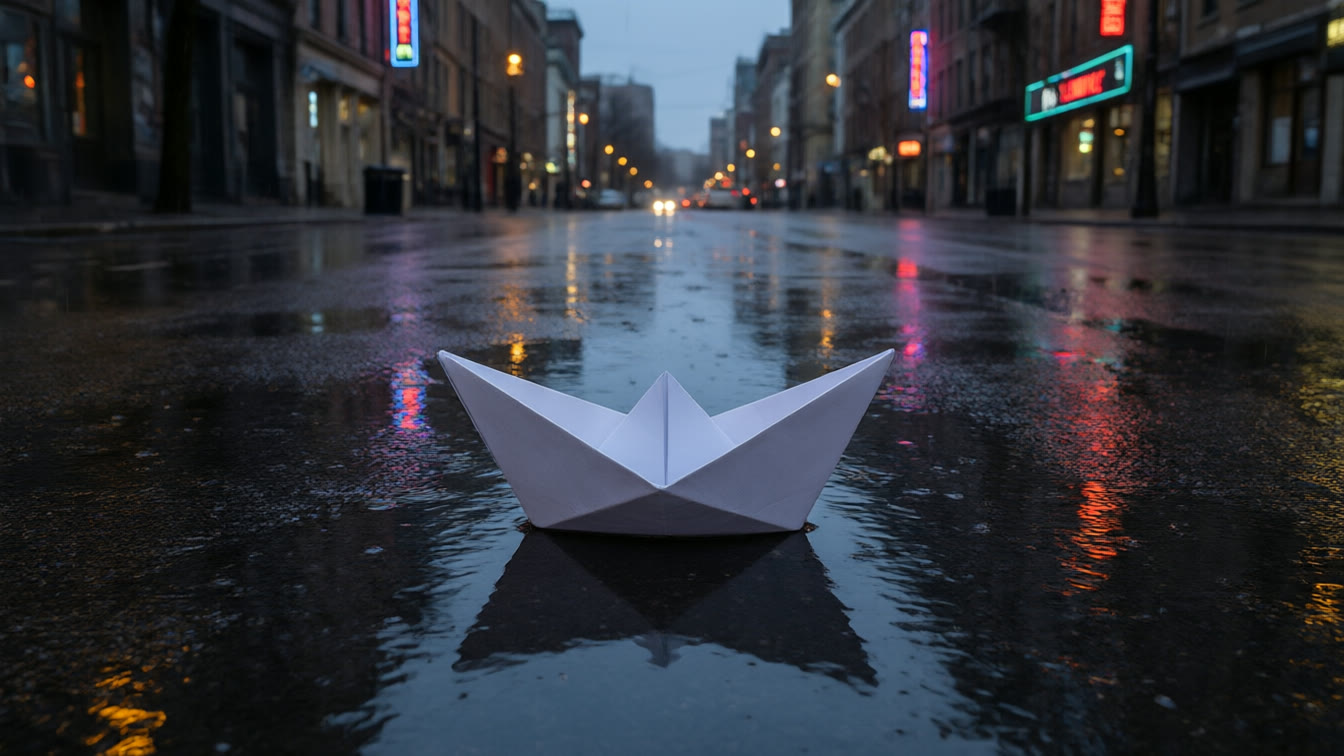
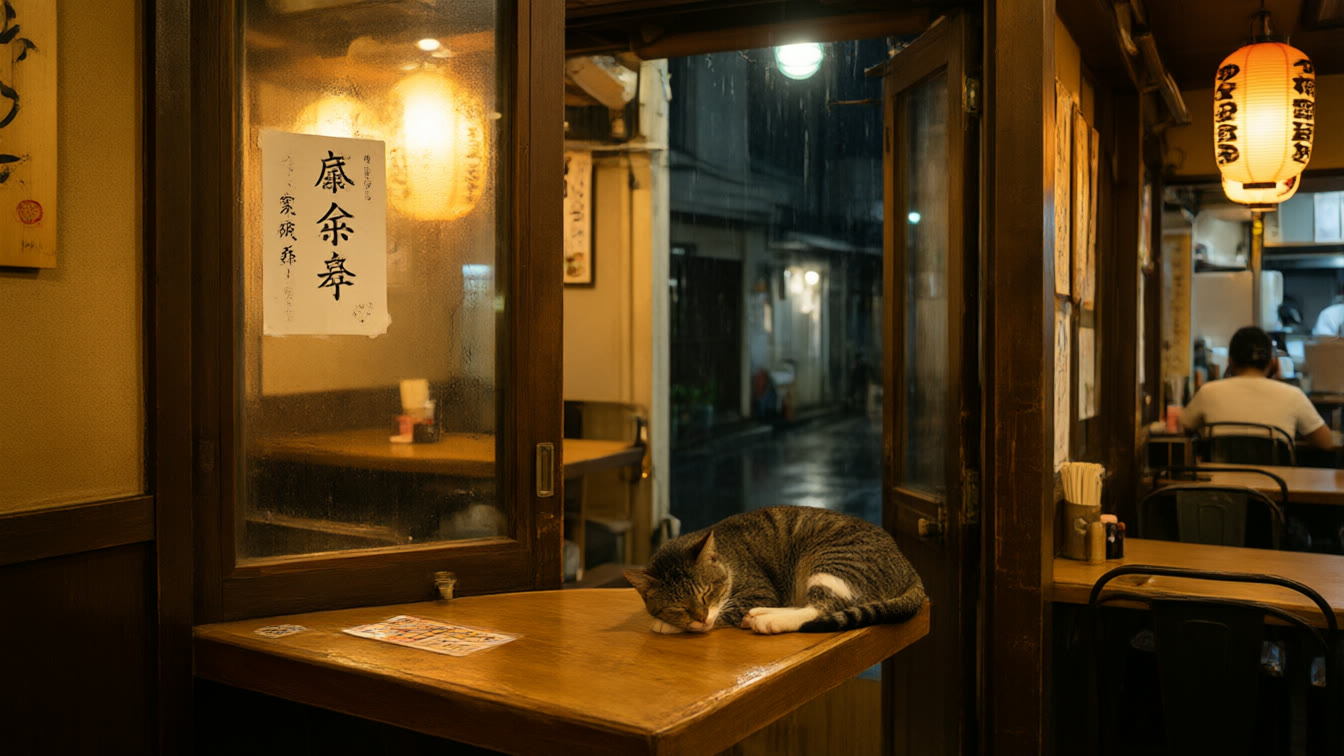

How does it work?
- Write a prompt, and add a reference picture if the model accepts one.
- Choose a model and its settings. The credit price is shown before you start.
- Generate, compare the results and send the best one on to editing or video.
What this tool uses
- GPT Image 2
- 8 credits per image
- Hunyuan Image 3.0
- 6 credits per request
- Hunyuan Image 3.5 (preview)
- 6 credits per request
- Nano Banana
- 8 credits per request
- Qwen Image 3.0
- 5 credits per image
- Qwen Image 3.0 Pro
- from 7 credits per image, by resolution
Read from the live catalog on 2026-11-02.
What is it used for?
- Concept art and mood boards
- Social and ad pictures from a brief
- Reference frames for a video or a short drama
Questions about this tool
- Can I use a reference picture?
- Yes, with models that accept one. The settings on this page show what the model on sale offers.
- Who owns the pictures?
- Your organisation owns the pictures it generates; the licence of each model is set out in the terms.
- Can I animate a picture afterwards?
- Yes. Use image to video.
- How is it priced?
- Each picture costs credits, shown before you start.