Cut a subject out of a picture
The background remover separates the subject of a picture from its background, so you can place it somewhere else.
Examples
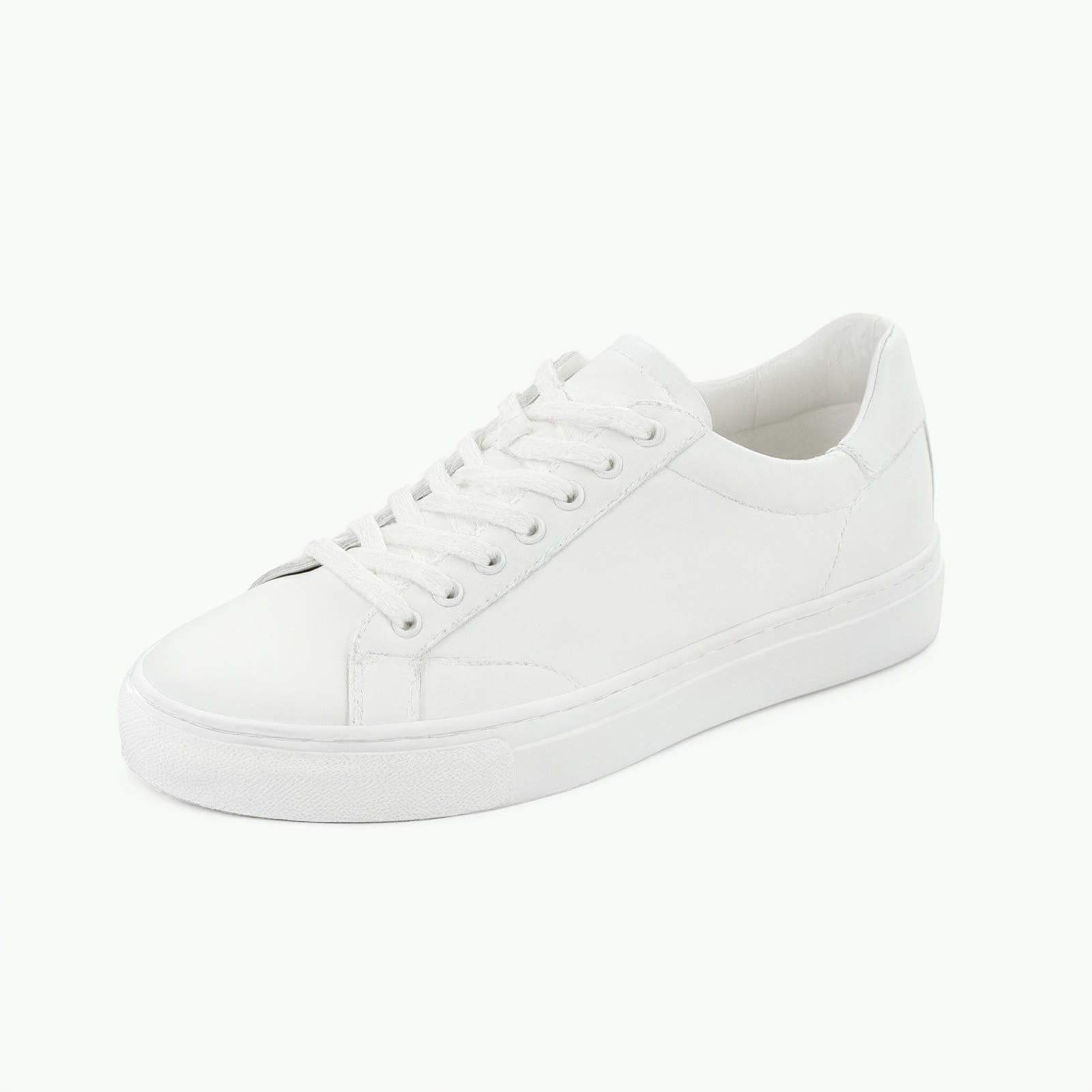
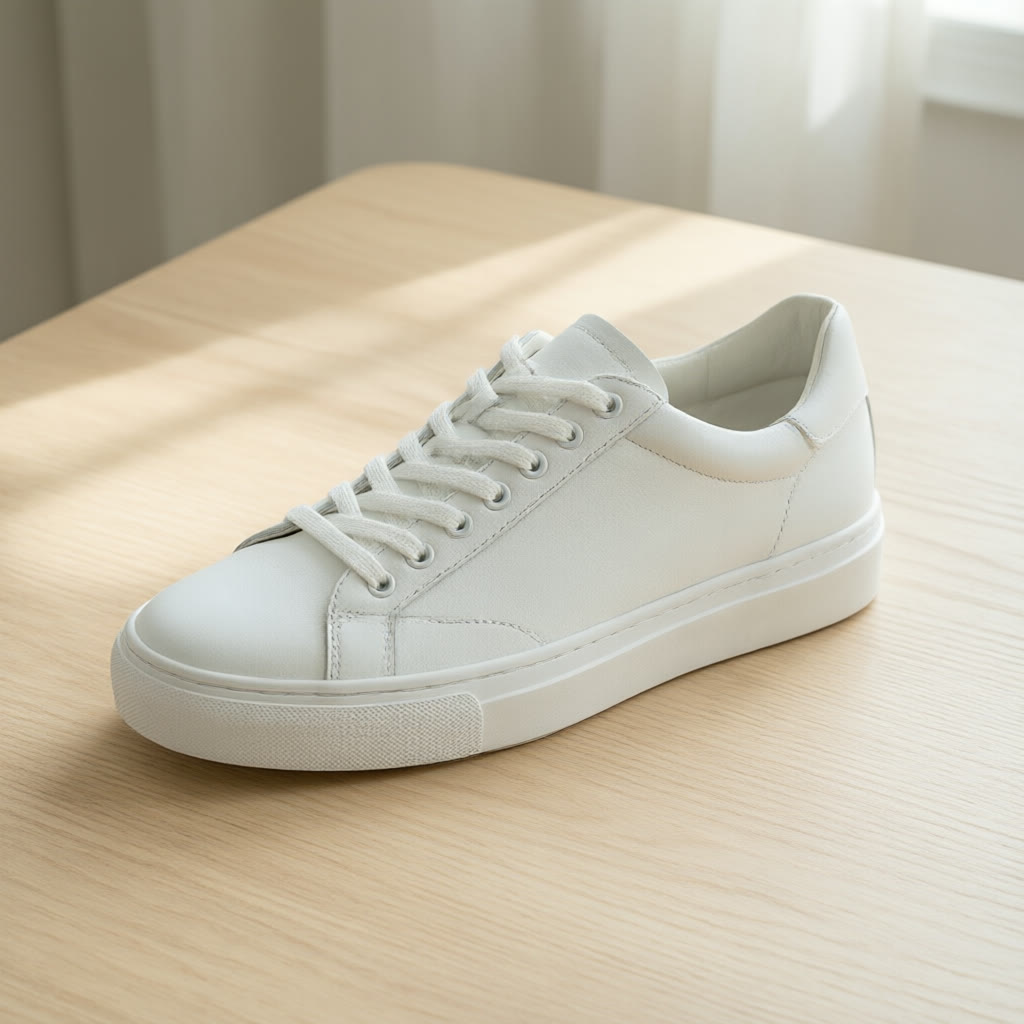
BeforeAfter
How does it work?
- Choose the picture with your subject.
- Run the cutout tool. The credit price is shown first.
- Download the cutout, or use it in your next edit.
What this tool uses
- Model
- Cutout / matting
- Price
- 4 credits per request
- Model
- cutout-1.0-flash, cutout-1.0-lite
Read from the live catalog on 2026-11-02.
What is it used for?
- Product pictures on a plain or branded background
- Cutouts for a design or a thumbnail
- Subjects to place into a generated scene
Questions about this tool
- What do I get?
- A picture of the subject with the background removed.
- Is the original kept?
- Yes. The result is a new file.
- Can I edit the cutout?
- Yes. Use the AI image editor to refine the result.
- What does it cost?
- Credits, shown before you run it.